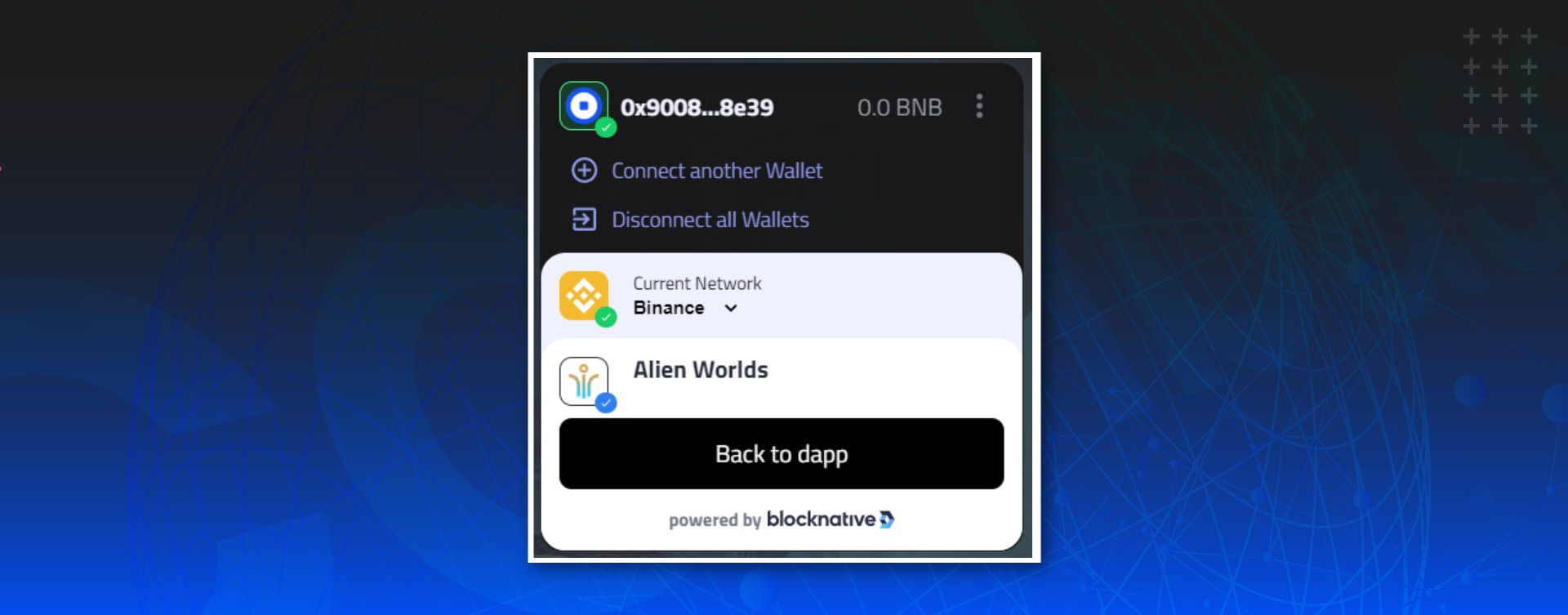
The world’s largest regulated crypto exchange has been branching out to provide various new products and services. One of which is Coinbase Wallet, a non-custodial wallet that Alien Worlds players can now use to hold the Trilium and NFTs they receive from going on Missions. More players can now enter the Alien Worlds gaming metaverse through this Coinbase Wallet integration. We’re excited to welcome new players through this relationship, and also to provide current Alien Worlds players with access to Coinbase Wallet via their Missions gameplay.
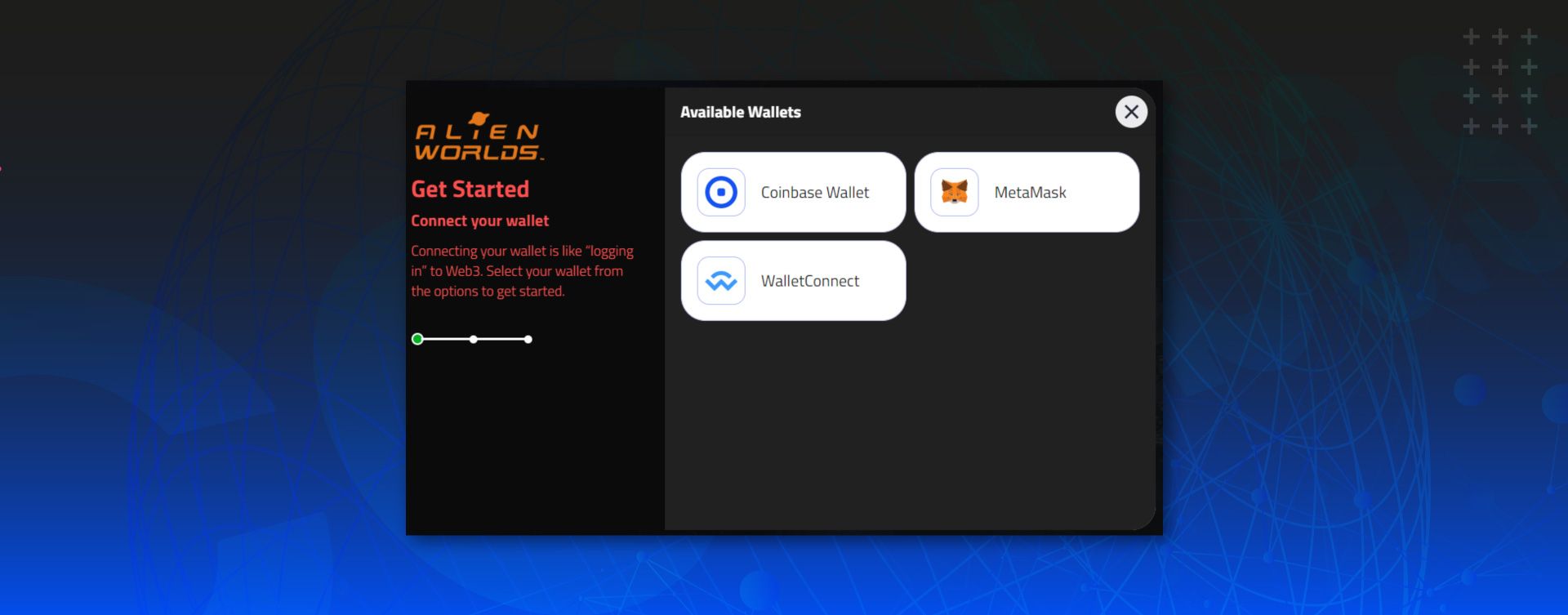
Explorers can now choose whether they want to use Coinbase Wallet or MetaMask to play Missions, and they do not need a Coinbase account to use the wallet. One of the main chains Coinbase supports is Binance, therefore all Alien Worlds gameplay on BNB Chain (formally Binance Smart Chain) can now be done through the Coinbase Wallet. Once linked to the wallet, players can use the wallet to sign Missions transactions, such as leasing spaceships to go on Missions and claiming the rewards they receive from completing Missions.

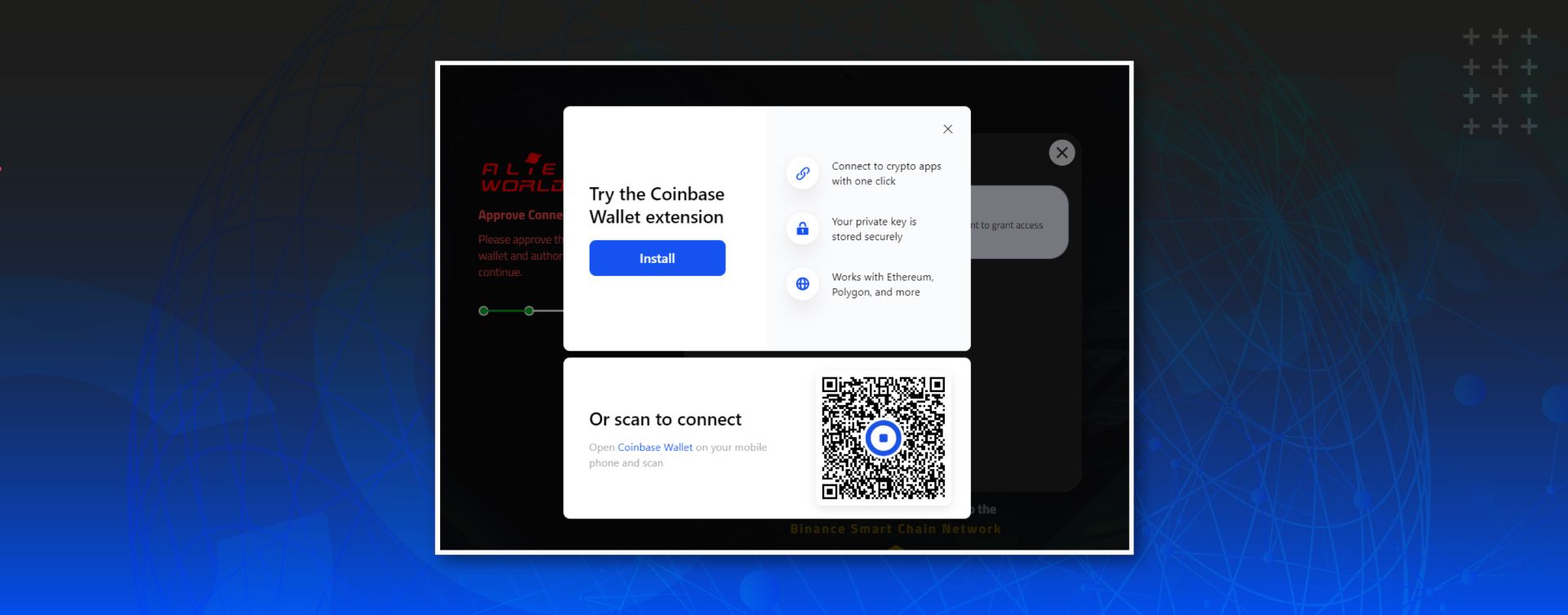
How to Use Coinbase Wallet for Alien Worlds Missions
- Download Coinbase Wallet, either mobile or through a web browser. Players can download the Coinbase Wallet here.
- Import an existing BNB address, or create a new BNB address.
- Go to missions.alienworlds.io and log in to Missions.
- To continue to use MetaMask, simply select the MetaMask option, or select Coinbase to now start using Coinbase Wallet
It is that simple! Choose Coinbase Wallet to log in to Missions and begin.
Currently, players cannot use Coinbase Wallet to play the Mining game, but we hope this will change in the future.