


New and exciting developments are upon Alien Worlds! Series 2 of Planet B Missions have been released into the metaverse. Read below for more information about the new Missions, NFTs, how to join, and more.
What are Alien Worlds Missions?
In the Missions game, Explorers send virtual spaceships on missions to complete tasks throughout Alien Worlds. Upon return, Explorers receive a portion of the Trilium pool for that respective Mission, and at least one, but up to five, Missions NFTs.
Series 2 Missions & NFTs
Series 2 features eight new Missions and Missions NFTs. The new Series 2 NFTs are organized by Mission type, title, rarity, duration, and card number. Below are the Series 2 Mission types with their corresponding details.
Recovery
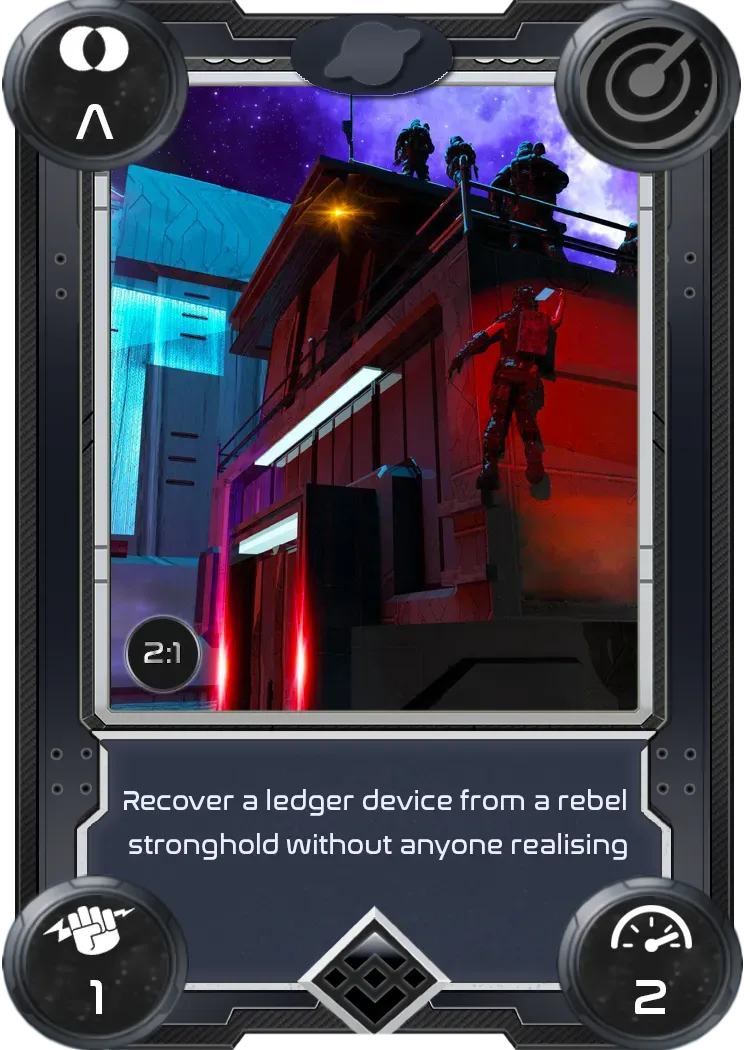
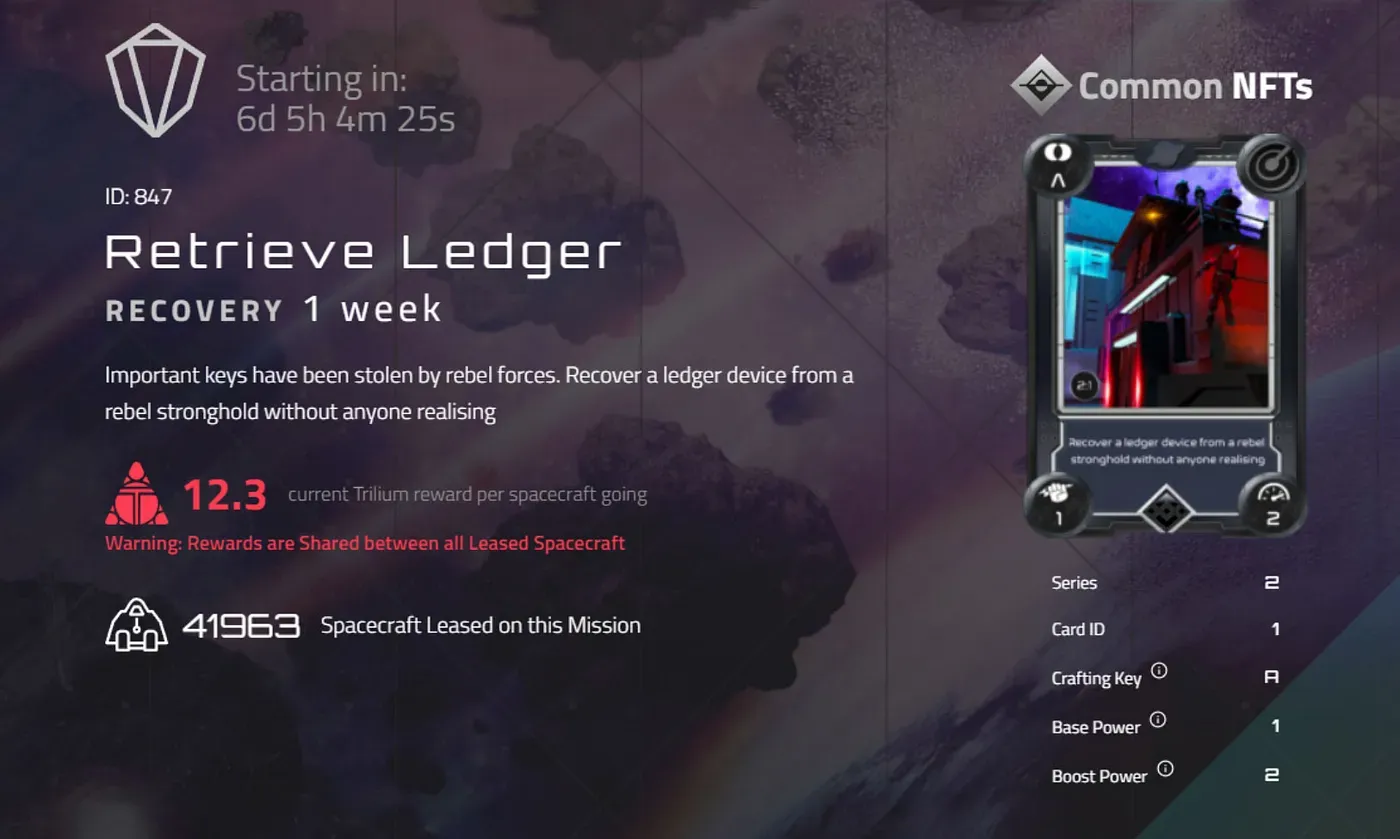
- Title: Retrieve Ledger
- Rarity: Common
- Mission Duration: 1 week
- Card Number: 2:1
Explore
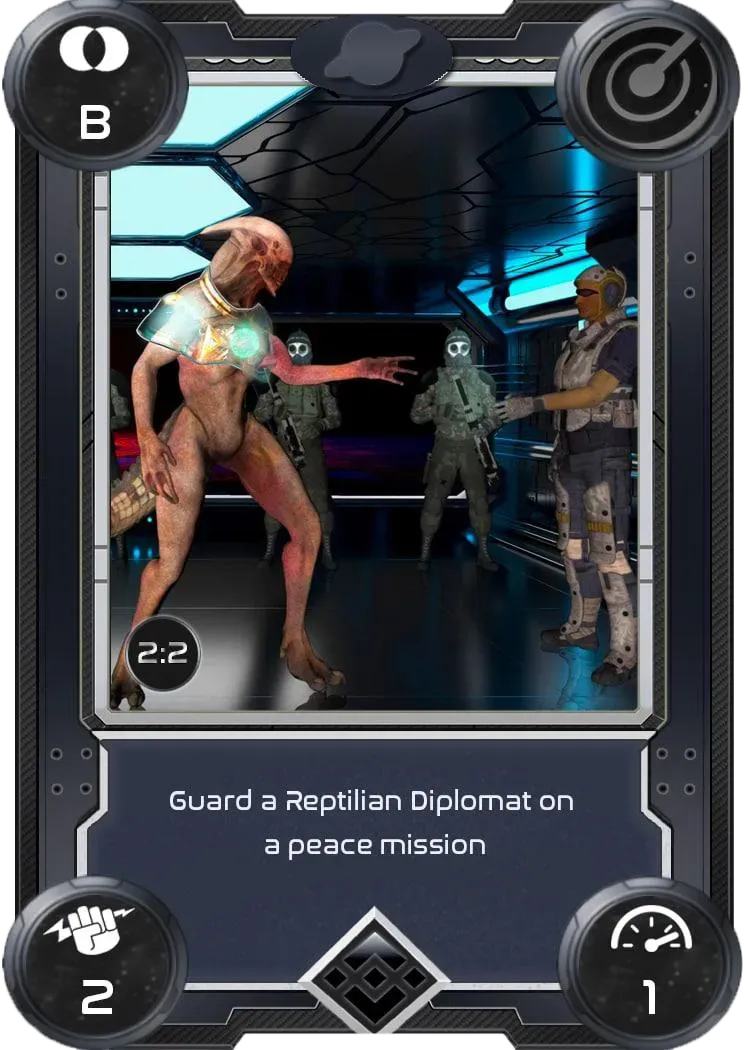
- Title: Reptillian Peace
- Rarity: Common
- Mission Duration: 1 week
- Card Number: 2:2
Courier
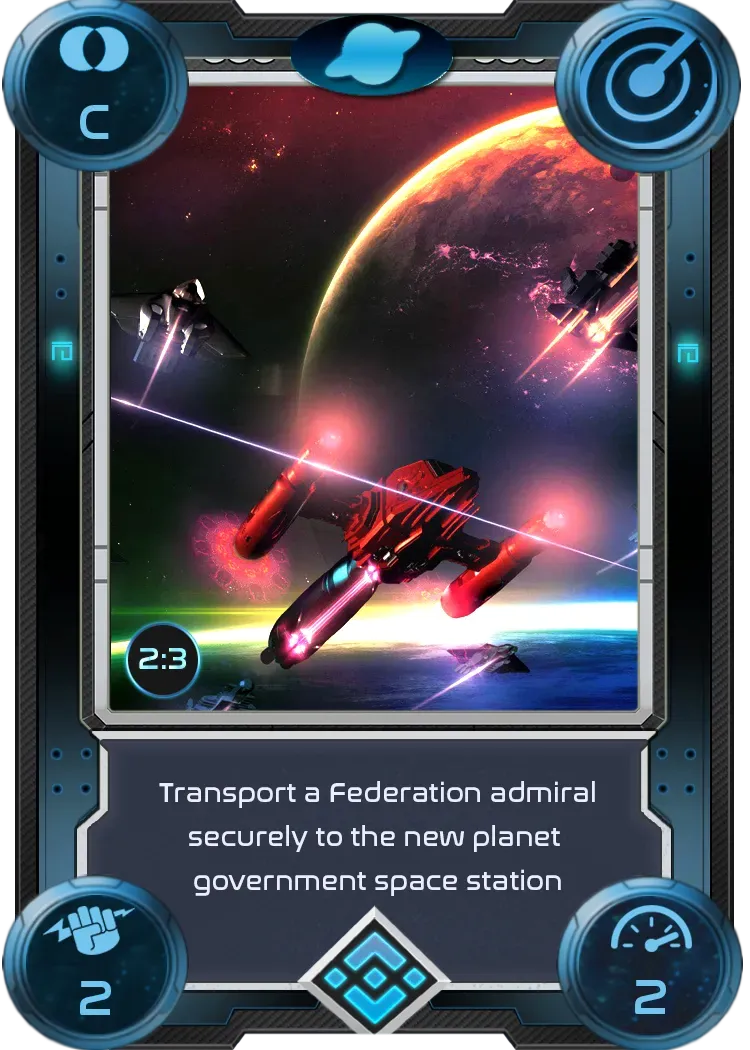
- Title: Install the Admiral
- Rarity: Rare
- Mission Duration: 2 weeks
- Card Number: 2:3
Scouting
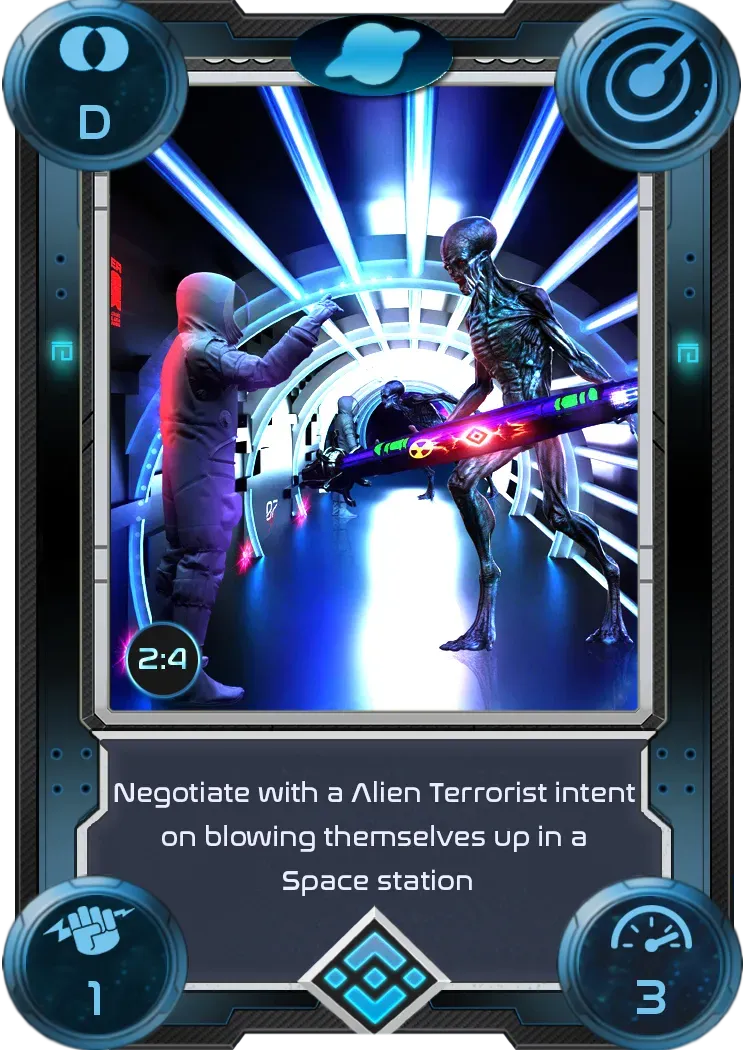
- Title: The Negotiator
- Rarity: Rare
- Mission Duration: 2 weeks
- Card Number: 2:4
Battle
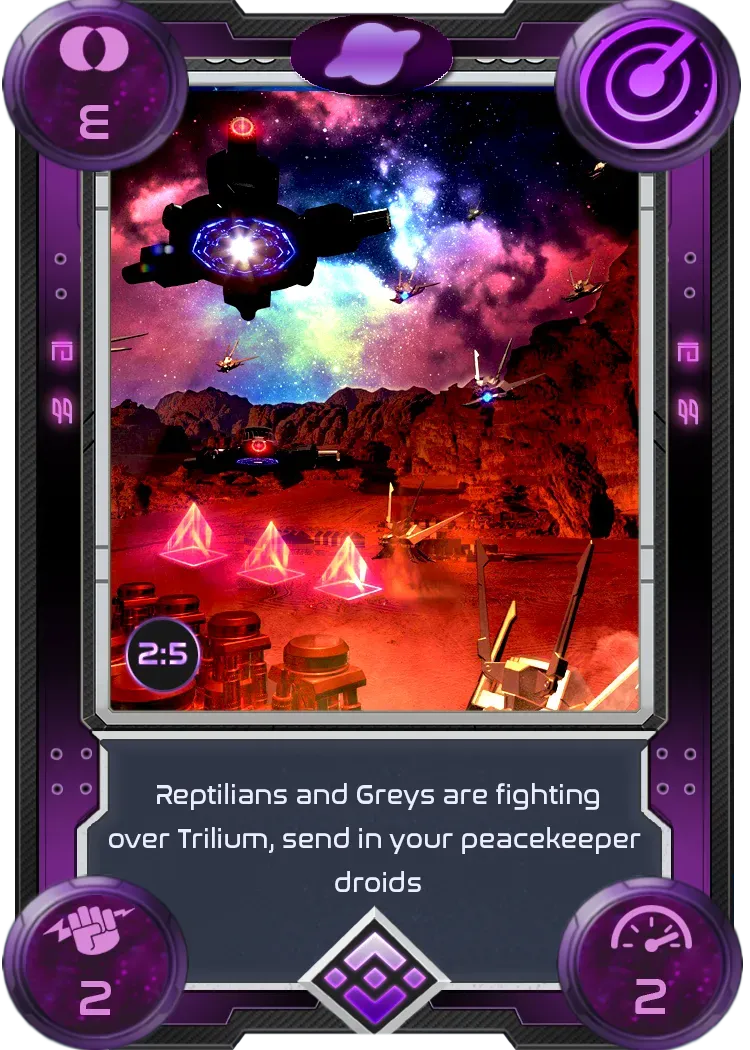
- Title: Peacekeepers
- Rarity: Epic
- Mission Duration: 4 weeks
- Card Number: 2:5
Liberation
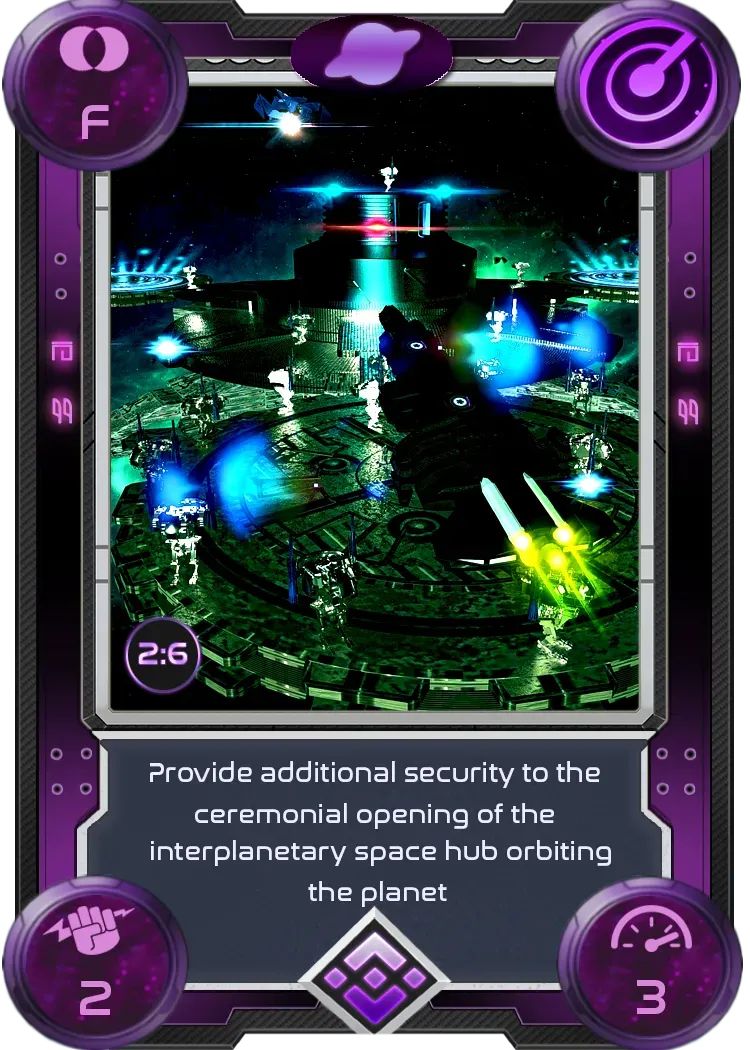
- Title: Space Hub Opening
- Rarity: Epic
- Mission Duration: 4 weeks
- Card Number: 2:6
Supply
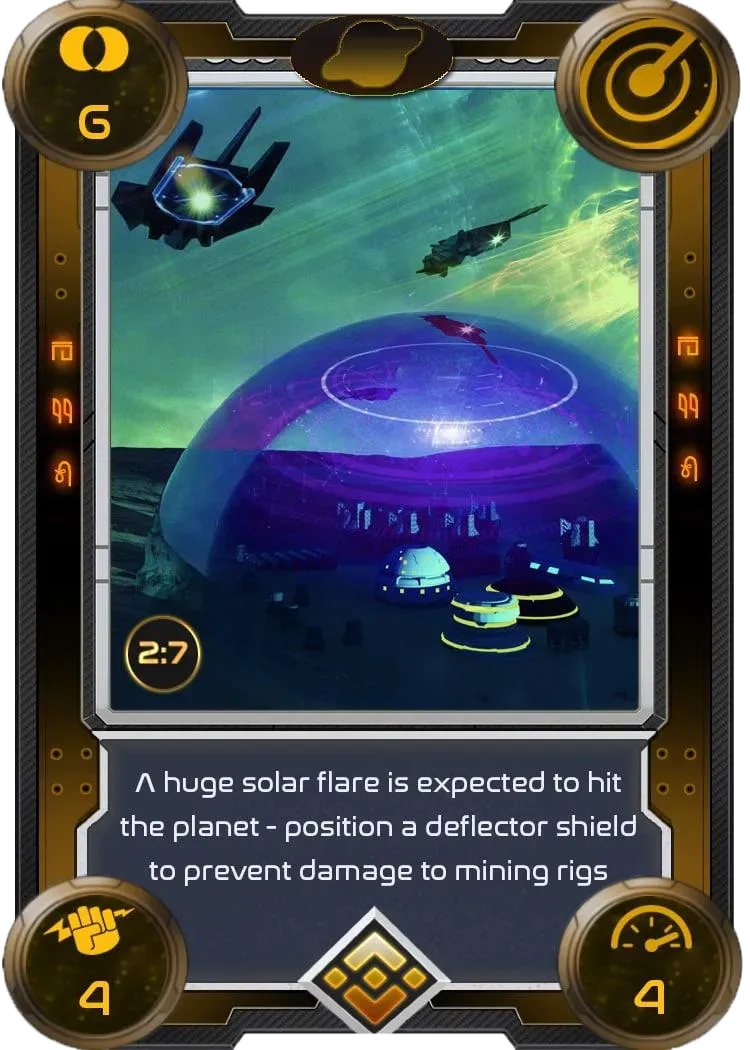
- Title: Solar Flare
- Rarity: Legendary
- Mission Duration: 12 weeks
- Card Number: 2:7
Courier
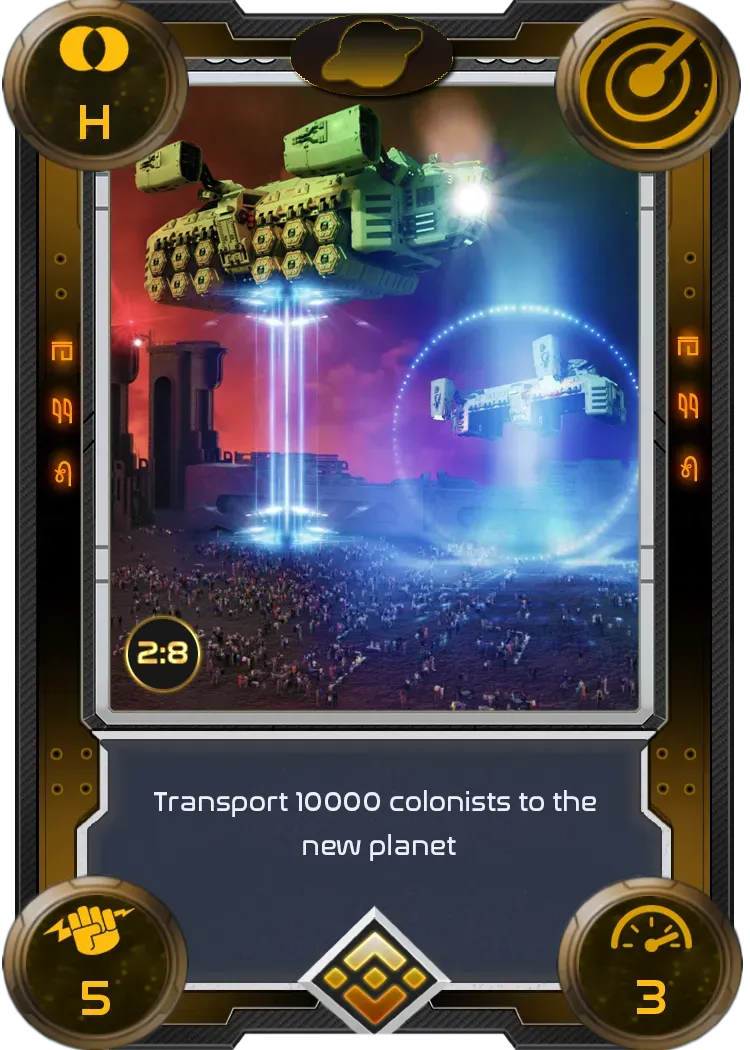
- Title: New Start
- Rarity: Legendary
- Mission Duration: 12 weeks
- Card Number: 2:8
What’s New?
The new Series 2 Missions will come with Series 2 NFT rewards. After the Series 1 Missions currently underway are completed, Series 1 Missions and reward NFTs will no longer be available through the Missions game. Missions currently underway from Series 1 will still receive NFT rewards from the first series. These new NFTs include fresh new artwork, descriptions, and corresponding stats/utility.
Joining a Mission
To lease a spacecraft, TLM is staked for the duration of the Mission and then returned to the Explorer afterward along with any associated Mission rewards. Explorers will need at least 40 TLM on BNB Chain (formerly BSC) in their MetaMask Wallet in order to send a Spacecraft on a Mission.
Once this requirement is met, Explorers can go to the Mission Centre and participate by clicking on the specific Mission for which they want to lease one or more Spacecraft. Clicking on a specific Mission brings up that Mission’s full information including the option to “Join Mission”.
Explorers can learn more about joining a Mission by reading our Metaversal Knowledge Base article, “How do I lease a Spacecraft to board a Mission?”